Minecraft Dome Generator
Generate perfect hollow or filled circular roofs and domes for towers.
Building a dome in Minecraft used to mean hours of trial and error. A Minecraft dome generator changes that completely. Set your base diameter, scroll through each layer with the Roof Height Z control, and get a ready-to-build blueprint in seconds.
This dome generator minecraft tool handles hollow or filled domes for towers, observatories, and roofs, on both Java and Bedrock.
No mods, no math, no wasted blocks. Let’s break down exactly how it works and where to use it.

About This Minecraft Dome Generator
|
Minecraft Dome Generator |
|
|
100% Free Online Tool |
|
|
2 hours Ago |
|
|
mycraftcirclegen.com |
|
|
Free of Cost |
|
|
Web, Mobile, Desktop, Tablet |
|
|
Java + Bedrock |
|
|
Dome & Hemisphere Generator with Roof Height Z Layer Navigator, Hollow Blueprint Mode, Quick Build Presets & Material Calculator |
|
|
⭐ 4.7/5 |
What is Minecraft Dome Generator?
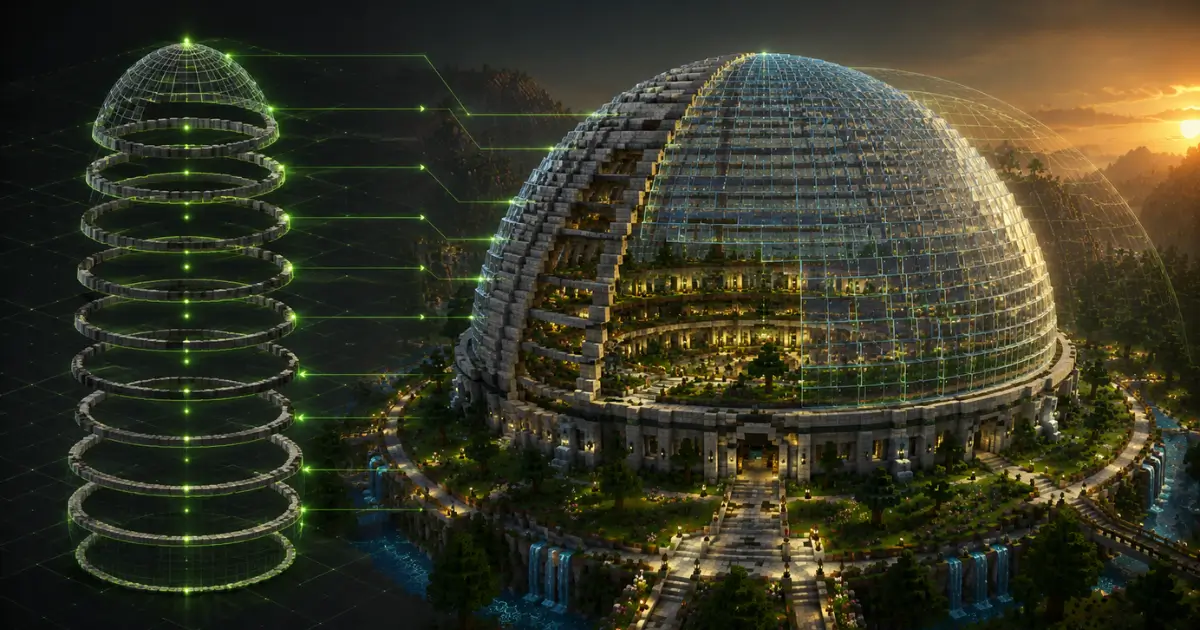
A Minecraft dome generator is a free online tool that turns a simple number, your chosen diameter, into a complete block by block pattern for a dome shape. Think of it as a dome creator or dome maker built specifically for Minecraft’s grid.
Since Minecraft is a voxel game, every wall, roof, and curve is made from cube shaped blocks. A voxel dome generator calculates exactly which blocks go where, layer by layer, so your curve looks smooth instead of jagged.
You enter a number, the tool spits out a grid. That’s the whole idea behind a dome generator minecraft players actually use, whether they’re on a survival world or a creative server.
How to Use Mincecraft Dome Generator?
Step by Step Guide
Here’s the thing, this dome generator minecraft tool is built around four simple controls. Once you get the hang of them, going from idea to finished blueprint takes seconds.
Step 1 – Set Your Base Diameter:
Drag the Base Diameter (Blocks) slider, or type a number directly into the box, to set how wide your dome is at its bottom ring.
Don’t feel like picking a random number? Use a Quick Build Preset instead: Tower Roof (9), Observatory Roof (17), Fountain Dome (21), or Mega Dome (41). Each one loads a ready-made minecraft dome template with a single click.
Step 2 – Scroll Through Dome Levels (Roof Height Z)
Now use the Dome Level (Base to Top) controls to move through your dome layer by layer. The left and right arrows (or the slider) step you through each Roof Height Z level, from the base ring up to the peak.
The Dome Profile preview shows exactly how each layer shrinks as you climb, which basically turns this into a minecraft curved roof generator for flat roofs, towers, and observatory domes alike.
Step 3 – Customize Hollow, Symmetry & Grid Settings
Flip Hollow Blueprint on if you only want the outer shell (this saves a huge number of blocks), or off for a solid, filled dome.
Symmetry Axis keeps both halves of your dome perfectly mirrored, and Show Grid Lines adds reference lines across the canvas so you can count squares accurately while building.
Step 4 – Check Materials & Export Your Blueprint
The Material Calculator updates live, showing your Total Blocks and Stacks Needed, so you know exactly how much to gather before placing a single block.
When you’re ready, hit Copy Text Grid Blueprint for an in-game reference, or export as HD PNG, Print PDF, or grab a Copy Shareable URL to send the build straight to a friend.


How Many Blocks Do You Need for a Minecraft Dome?
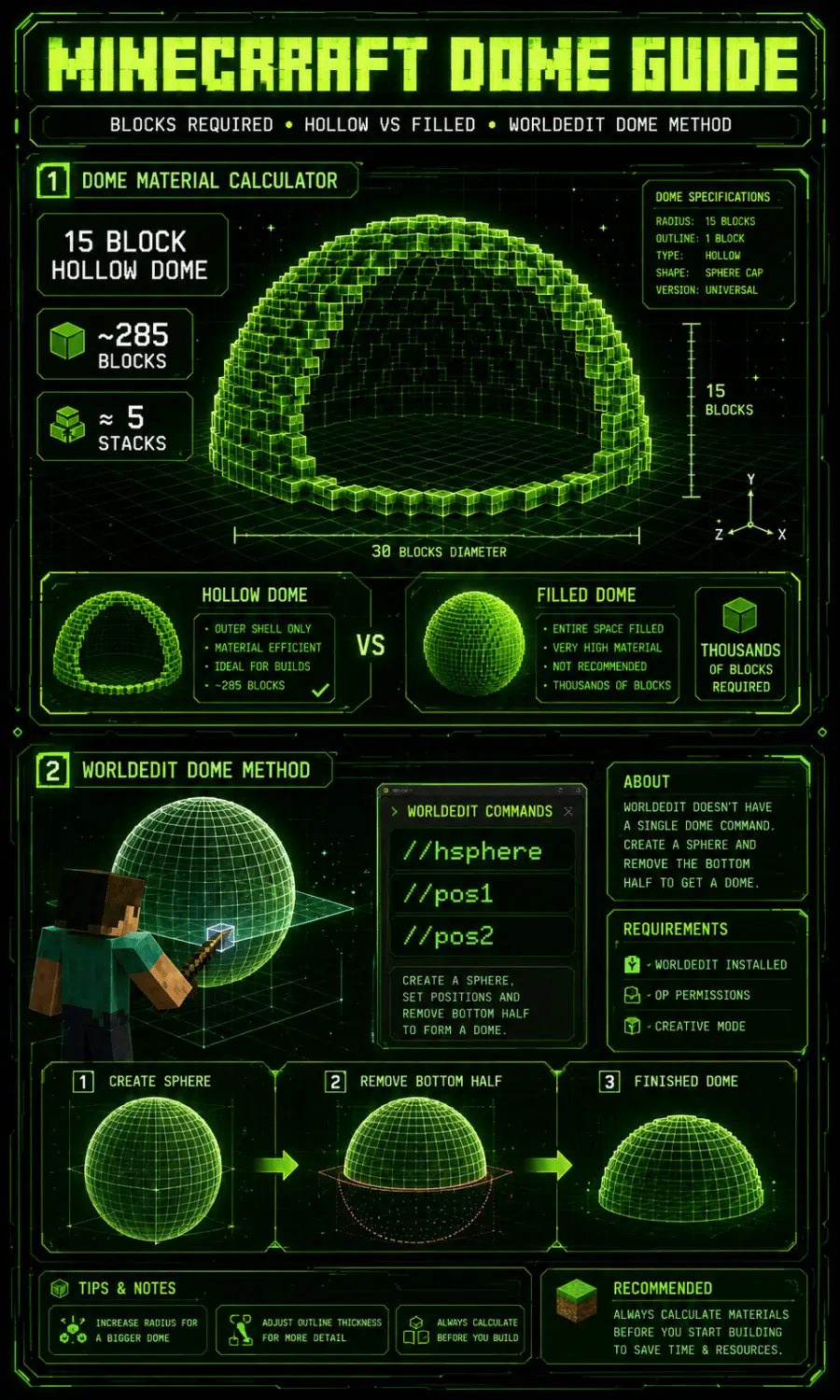
This depends on two things: size, and whether it’s hollow or filled. A hollow dome only uses blocks for the outer shell, which is far more efficient.
A filled dome packs the entire inside solid, which uses way more material and is rarely necessary unless you’re building something like a giant decorative sphere.
For a real example, a 15 block hollow dome comes out to around 285 total blocks, or about 5 stacks. A filled version of the same size can jump well into the thousands. Always check the Material Calculator before you start gathering, since exact numbers shift based on outline thickness too.
Can You Build a Dome with WorldEdit Commands?
WorldEdit is a popular building tool for Java Edition, often used on creative servers through plugins like Spigot or Bukkit. Here’s the thing though: WorldEdit doesn’t have one single built in “dome” command.
What builders actually do is generate a hollow sphere using a sphere command, then select and remove the bottom half to leave just the top, which becomes your dome. It works, but it takes a couple of extra steps and only applies if your server has WorldEdit installed.
If you don’t have access to WorldEdit, a dome generator minecraft tool gets you the same result without installing anything at all.
Java Edition vs. Bedrock Edition
Pros of Java Edition
Cons of Bedrock Edition
Java Edition vs. Bedrock Edition:
Does the Dome Generator Work for Both?
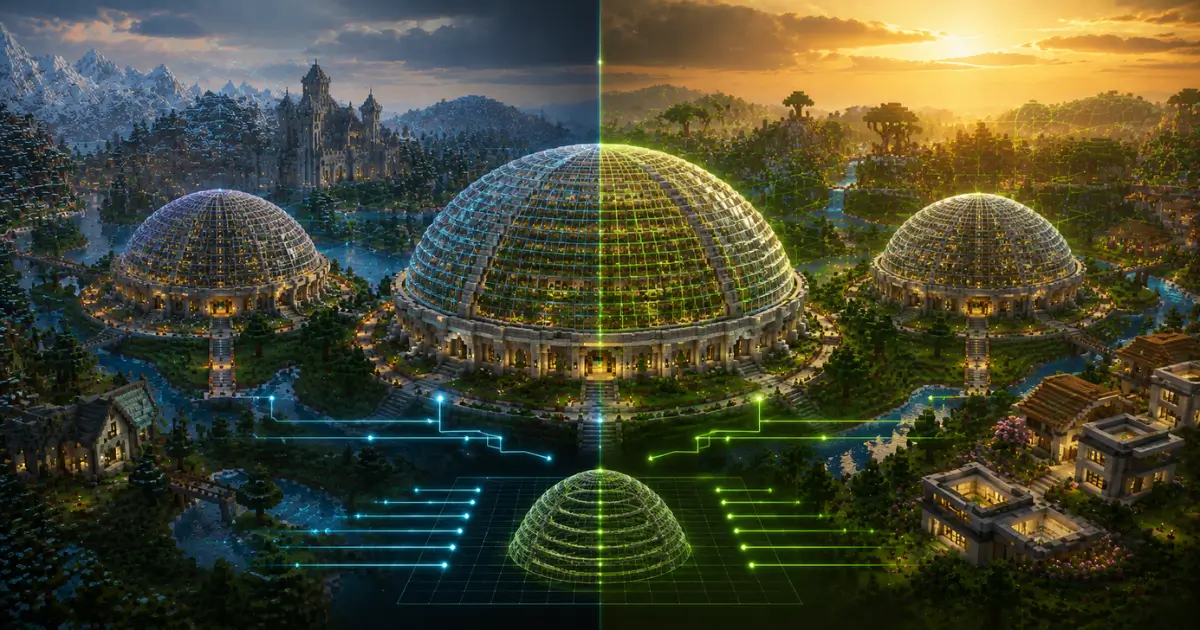
Good news here. Minecraft Java Edition and Minecraft Bedrock Edition, which covers Pocket Edition, console, and Windows, all use the exact same cube based block grid.
That means a dome generator minecraft players use on Java works identically on Bedrock, Pocket Edition, and even Minecraft Education Edition, since Education Edition also runs on the Bedrock engine.
The pattern doesn’t change between editions. What changes occasionally is the exact block name in the menu, but the actual shape and layer structure stays the same across every version.
Creative Dome Designs & Where to Use Them
Once you know how to generate a dome, the real fun starts. Here’s where these shapes actually shine in a real build.
Glass Domes for Observatories & Greenhouses
Wondering how to make a glass dome in minecraft that actually looks good? Start with a 20 to 30 block diameter and use regular or stained glass for the curved shell.
For an observatory, add a telescope made from end rods and fences inside, pointing up through the dome. For a greenhouse, fill the inside with crops, leaves, and a few lanterns.
A minecraft glass dome build like this works great over farms, or as the centerpiece of a planetarium base.
Stone & Quartz Domes for Cathedrals & Capitol Buildings
For something grander, swap glass for stone bricks, quartz, or smooth sandstone. These materials give your dome a solid, official look, perfect for cathedrals, capitol buildings, or town halls.
Add pillars or columns around the base to support the visual weight of a larger dome, especially anything over 30 blocks wide.
Underwater Domes & Biodome Builds
Domes work surprisingly well underwater too. Build a glass dome on the ocean floor, then use doors or sponges to keep water out, creating a dry, air filled space inside.
Add sea lanterns for lighting and you’ve got an instant underwater base or aquarium style biodome, a favorite among survival builders.
How Many Blocks Do You Need for a Minecraft Dome?
A large sphere saved as a shareable blueprint can be sent to your whole team and rebuilt the exact same way by different players. This is particularly useful for server owners who want a consistent, branded spawn area no matter who’s building it.

Best Minecraft Dome SizesBest Minecraft Dome Sizes (Diameter Chart)
Picking the right size matters more than people think. Too small and your dome looks blocky. Too big and you’ll spend an entire session just gathering materials. Here’s a quick breakdown.
|
|
|
|
|
Wells, towers, small bases |
Slighty angular |
|
|
~520 |
Smooth curve |
|
|
~1,140 |
very smooth grand scale |
Small Domes (10–20 Blocks)
Domes under 15 blocks tend to look more angular than round, since there’s less room for the curve to smooth out. They’re still useful though, especially for small towers, wells, or decorative roofs.
A 16 to 20 block dome is the sweet spot for most starter builds. It’s round enough to look intentional.
Medium Domes (20–40 Blocks)
This is the range most builders land in. A 20 to 30 block dome gives you a noticeably smoother curve without eating up your entire inventory.
It’s the go-to size for observatories, small churches, and rounded house roofs. If you’re following a minecraft dome template for the first time, start here.
Large Domes (40–60+ Blocks)
Once you go past 40 blocks, you’re in cathedral and stadium territory. These domes look incredible but need serious planning, both for materials and for the supporting structure underneath.
A 50 block dome alone can require thousands of blocks depending on whether it’s hollow or filled, so plan a mining trip first.Mistake 5: Not Marking the Center Point First
Frequently Asked Questions (FAQs)
Conclusion:
So that’s really the whole story behind building a smooth, solid dome in Minecraft. Pick a diameter, let the dome generator handle the curve, and build layer by layer without second-guessing your blocks.
Whether you’re roofing a tower or topping off a full observatory, this minecraft dome generator turns a tricky build into something almost relaxing. Go grab your blocks, fire up the generator, and watch your next dome come together one ring at a time.