Minecraft Circle Size Charts
Pre-calculated blueprint charts and blocks guides for standard Minecraft diameters.
5 x 5 Circle
7 x 7 Circle
9 x 9 Circle
15 x 15 Circle
25 x 25 Circle
50 x 50 Circle
A Minecraft circle chart is a pre-calculated blueprint that shows you exactly which blocks to place to build a perfect circle, in sizes from 5×5 all the way up to 50×50 and beyond. Instead of guessing block by block, you just follow the grid.
This guide walks you through every standard size, how to read the chart, and which circle works best for your build.

What Is a Minecraft Circle Chart?
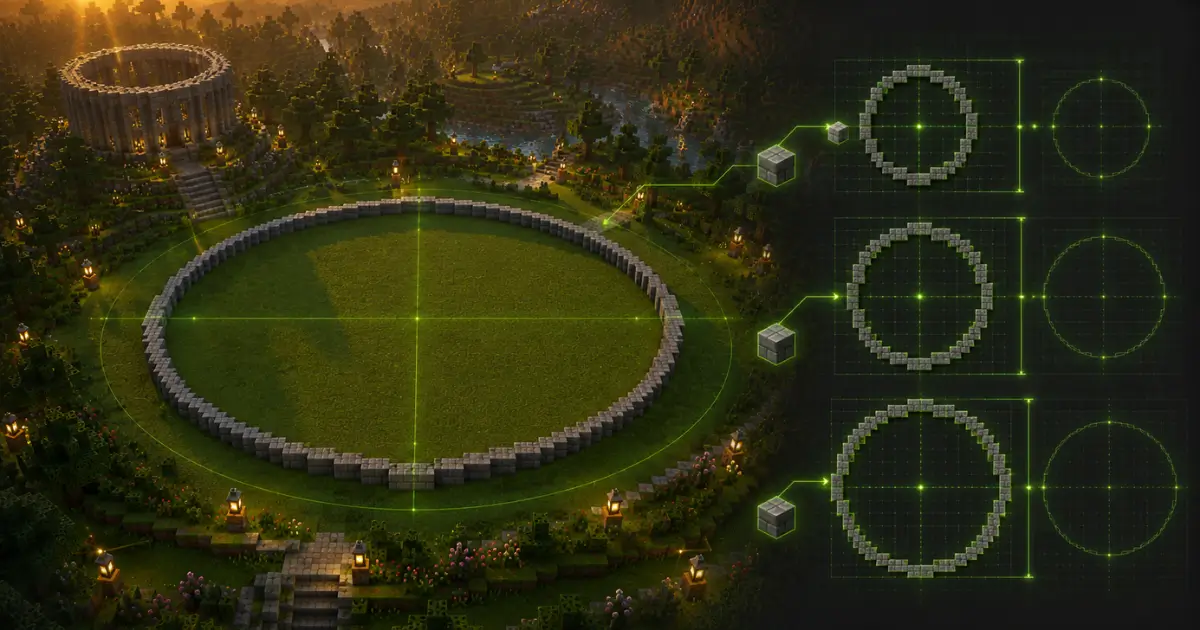
Here’s the thing: building a circle in Minecraft sounds simple, but the game runs on square blocks.
There’s no actual “curve” command. So every circle you’ve ever seen in a build is really just blocks arranged to look round.
A Minecraft circle chart solves this by giving you a ready-made grid.
Each chart shows the diameter (5×5, 9×9, 15×15, and so on), the exact block count, and how many
stacks of blocks you’ll need. You don’t calculate anything. You just copy the pattern into your world.
Most builders learn this the hard way, after spending twenty minutes
hand-placing a “circle” that ends up looking like a lumpy potato. A circle chart skips that entire mess.
This is also why tools and circle generators exist alongside static charts. Both rely on the same
math, called the midpoint circle algorithm, which decides which blocks sit on the circle’s edge for any given diameter.
Minecraft Circle Chart by Diameter
(Size Table)
This is the part most people bookmark. Below are the most commonly used sizes, based on standard pixel-circle blueprints.
Small Circles (5×5 to 9×9)
These sizes are perfect for redstone components, small decorative windows, or tiny ponds. A 5×5 circle only needs 12 blocks and barely fits one stack. The 9×9 version, with 24 blocks, is one of the most popular choices because it still reads as a clean circle without eating up too much space.
📏 Quick Circle Size Reference
Use these common Minecraft circle sizes to estimate block requirements before building.
| Diameter | Blocks Needed | Stacks |
|---|---|---|
| 5 × 5 | 12 | 1 |
| 7 × 7 | 16 | 1 |
| 9 × 9 | 24 | 1 |
| 15 × 15 | 40 | 1 |
| 25 × 25 | 68 | 2 |
| 50 × 50 | 140 | 3 |
Medium Circles (15×15)
A 15×15 circle (40 blocks) is the sweet spot for circular towers, small farms, or fountain bases. It’s large enough to walk inside comfortably but still quick to build by hand.
Large Circles (25×25 and 50×50):
For domes, stadiums, or big builds, you’ll want the 25×25 (68 blocks) or 50×50 (140 blocks) charts. These need multiple stacks of material, so plan your inventory before you start. → 🎯 Featured Snippet target
How to Read and Use a Minecraft Circle Chart
Reading a chart is easier than it looks once you understand the layout. Here’s the step-by-step process:
- Pick your diameter. Decide if you want a 9×9, 15×15, or another standard size based on the table above.
- Find your starting point. Place a marker block at the center of where your circle will sit.
- Follow the grid row by row. Each row of the chart tells you exactly how many blocks to place left and right of center.
- Mirror the pattern. Circle charts use symmetry, so the top half mirrors the bottom half, and the left mirrors the right.
- Fill or hollow as needed. Decide whether you want the full grid filled in or just the outline.
- Double-check block count. Compare what you placed against the chart’s total to confirm there are no gaps.
Most people miss step 4. They build half the circle perfectly, then try to “eyeball” the second half, and that’s where it goes wrong. Trust the mirrored symmetry instead.
Hollow vs Filled Circle Charts
Not every circle needs to be solid. Here’s when to use each version.
Hollow circle charts only mark the outer ring. Use these for:
- Tower walls
- Window frames
- Decorative rings around a build
Filled circle charts mark every block inside the shape too. Use these for:
- Floors and platforms
- Pond or pool bases
- Solid foundations under a dome
A quick example: when building a watchtower, a hollow 9×9 circle gives you walls you can walk inside, using only 24 blocks instead of the full filled count. That’s a real material saver if you’re working with limited resources early in survival mode.
Circle Chart Variations: Oval and Sphere
A circle chart is not the same as an oval or sphere chart, and mixing these up is one of the most common mistakes builders make.
An oval chart stretches the circle along one axis, useful for elongated ponds or stadium shapes. A sphere chart, on the other hand, stacks multiple circles of changing diameter on top of each other to create a 3D round shape, like a dome or planet build.
Here’s the key distinction: a flat circle chart only works for one horizontal layer. A sphere needs a completely different chart for every layer, since the diameter shrinks as you move up or down from the center.
If you’re building something round in 3D, check a dedicated sphere generator instead of trying to stretch a flat circle chart across multiple layers.

Circle Charts for Specific Builds
Different projects call for different circle sizes.
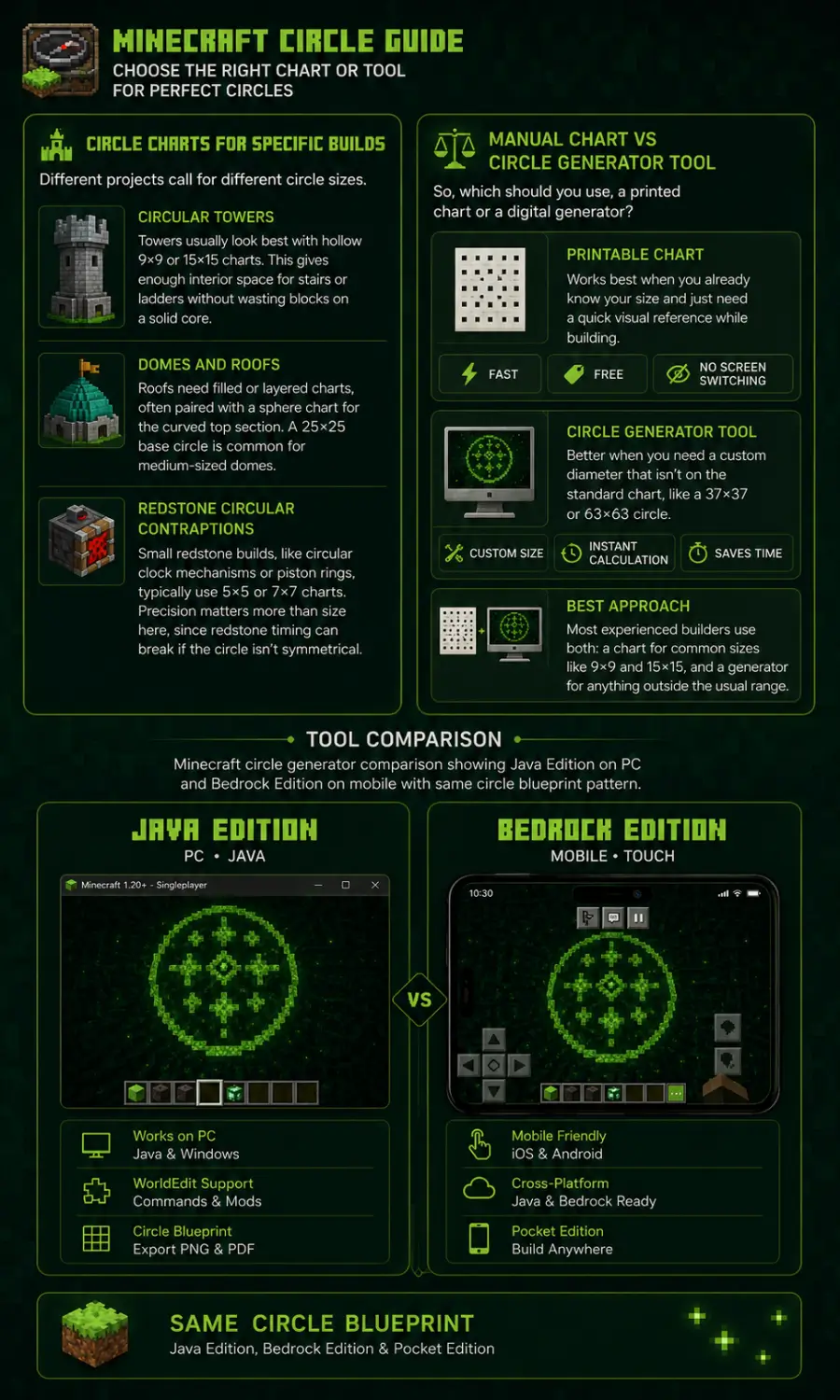
Circular Towers
Towers usually look best with hollow 9×9 or 15×15 charts. This gives enough interior space for stairs or ladders without wasting blocks on a solid core.
Domes and Roofs
Roofs need filled or layered charts, often paired with a sphere chart for the curved top section. A 25×25 base circle is common for medium-sized domes.
Redstone Circular Contraptions
Small redstone builds, like circular clock mechanisms or piston rings, typically use 5×5 or 7×7 charts. Precision matters more than size here, since redstone timing can break if the circle isn’t symmetrical.
Manual Chart vs Circle Generator Tool
So, which should you use, a printed chart or a digital generator?
A printable chart works best when you already know your size and just need a quick visual reference while building. It’s fast, free, and doesn’t require switching screens.
A circle generator tool is better when you need a custom diameter that isn’t on the standard chart, like a 37×37 or 63×63 circle. Generators calculate the exact block pattern instantly, which saves time on uncommon sizes.
Most experienced builders use both: a chart for common sizes like 9×9 and 15×15, and a generator for anything outside the usual range.
Downloadable and Printable
Minecraft Circle Chart
If you want to keep a chart handy without an internet connection, save or print one. A printed Minecraft circle chart is especially useful for classroom builds, group server projects, or kids learning to build for the first time, since it removes the guesswork entirely.
Keep your chart sized to A4 or letter paper so the grid stays readable at full scale.

Frequently Asked Questions (FAQs)
Conclusion:
A Minecraft circle chart takes the guesswork out of building round shapes, whether you need a small 5×5 decoration or a massive 50×50 dome base.
Once you understand how to read the grid and pick the right diameter, every circular build becomes faster and far more accurate. Pair your chart with a circle generator for custom sizes, and you’ll never build a lopsided circle again.
Try a few standard sizes from the table above on your next build and see the difference for yourself.